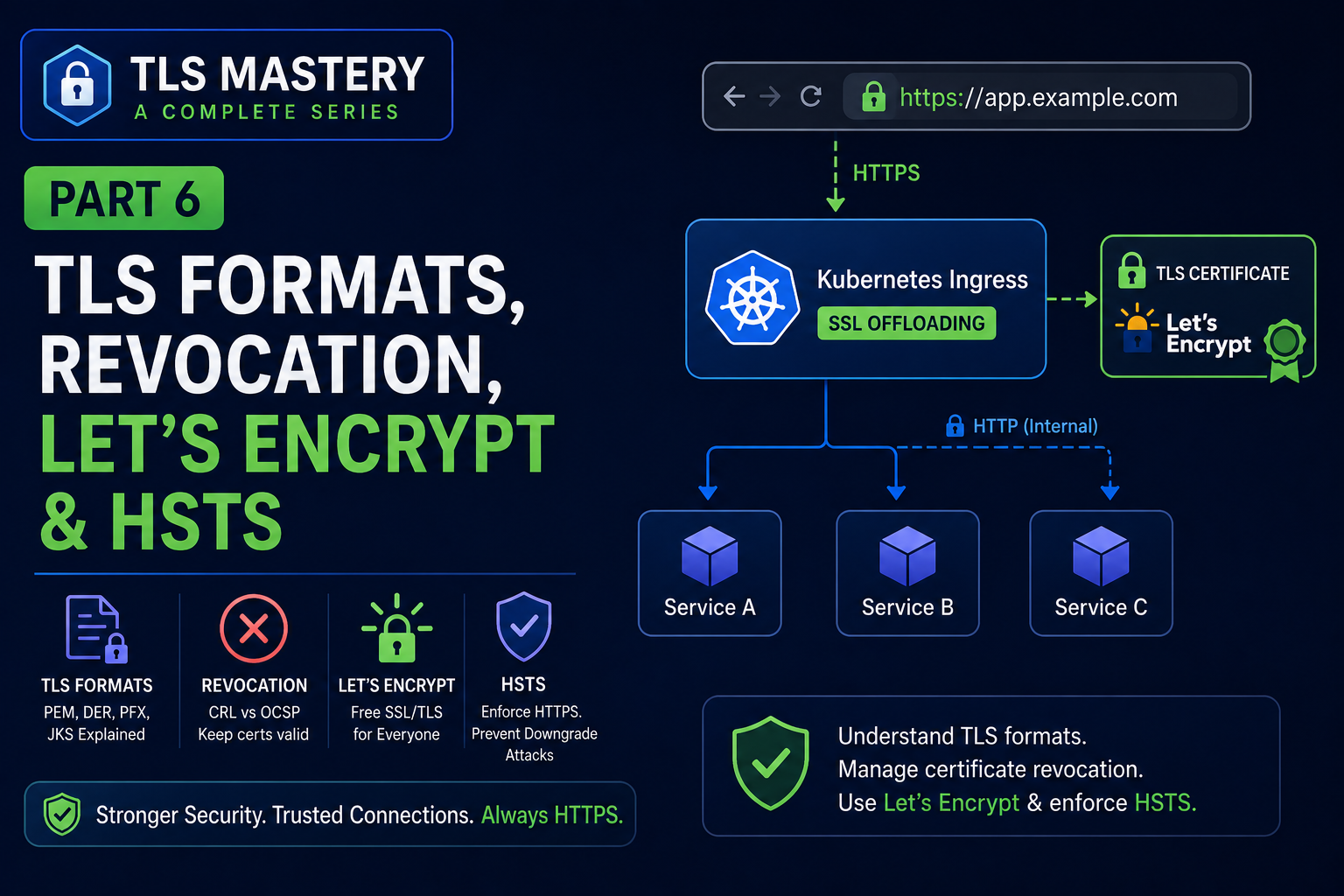
By now you can create certificates, run a CA, and serve trusted HTTPS. This part covers the practical topics you’ll actually hit in production — and that most introductory tutorials skip.
In this part:
- Certificate file formats (PEM, DER, PKCS#12, PKCS#7, and chain files)
- Revocation — CRL, OCSP, and OCSP stapling
- Let’s Encrypt + ACME — free, automated certificates
- HSTS — forcing HTTPS
Certificate file formats
In Part 1 we noted .crt, .key, and .pem. Here’s the fuller picture, because you will be asked to convert between these.
| Format | Encoding | Typical extensions | Contains | Common on |
|---|---|---|---|---|
| PEM | Base64 (text) | .pem .crt .cer .key | cert, key, or chain | Linux, nginx, Apache |
| DER | Binary | .der .cer | cert or key | Java, Windows |
| PKCS#12 / PFX | Binary | .p12 .pfx | cert + chain + private key, password-protected | Windows, Java keystores |
| PKCS#7 | Base64 or binary | .p7b .p7c | cert + chain (no private key) | Windows, Java |
PEM is the everyday format on Linux — ASCII text between -----BEGIN ...----- markers. You can open it in a text editor.
Chain files trip people up. When you get a certificate you’ll often see:
cert.pem/privkey.pem— your leaf certificate and its private keychain.pem— the intermediate certificate(s)fullchain.pem— leaf + intermediates concatenated (what most web servers want forssl_certificate)
Common mistake: serving only the leaf certificate. Clients then can’t build the path to a trusted root and show errors on some devices. Serve the full chain.
Handy conversions
# PEM -> DER
openssl x509 -in cert.pem -outform der -out cert.der

# DER -> PEM
openssl x509 -in cert.der -inform der -out cert.pem

# Bundle cert + key + chain into PKCS#12 (.pfx) for Windows/Java
openssl pkcs12 -export -out bundle.pfx \
  -inkey privkey.pem -in cert.pem -certfile chain.pem

# Extract from a .pfx back to PEM
openssl pkcs12 -in bundle.pfx -out extracted.pem -nodes
Certificate revocation
Certificates have an expiry date, but sometimes one must be killed early — a private key was leaked, a domain changed hands, or a certificate was mis-issued. That’s revocation. There are three mechanisms.
CRL
  CA publishes list of revoked serial numbers  -->  Client downloads + caches it

OCSP
  Client asks CA: "is this cert revoked?"      -->  CA replies: good / revoked

OCSP Stapling
  Server fetches signed,          Server staples it        Client trusts it —
  time-stamped OCSP response  --> to the TLS handshake --> no CA round-trip
- CRL (Certificate Revocation List): the CA publishes a signed list of revoked certificate serial numbers. Clients download and cache it. Simple, but the list grows large and can be stale.
- OCSP (Online Certificate Status Protocol): the client asks the CA about one specific certificate in real time. Fresher than a CRL, but it adds a network round-trip and leaks which sites you visit to the CA.
- OCSP stapling: the server periodically fetches a signed, time-stamped OCSP response and “staples” it into the TLS handshake. The client gets fresh revocation info without contacting the CA — better performance and privacy. Enable it when you can.
# nginx OCSP stapling
ssl_stapling on;
ssl_stapling_verify on;
Reality check: browser revocation checking is historically unreliable (some clients soft-fail if the check times out). That’s part of why the industry has moved toward short-lived certificates — if a cert only lives 90 days (or less), the damage window from a leaked key is small even without perfect revocation.
Let’s Encrypt and ACME — free, automated certificates
Buying and manually renewing certificates is tedious. Let’s Encrypt is a free, automated, non-profit CA that issues domain-validated (DV) certificates via the ACME protocol. Today it’s the default choice for most public websites.
How it works at a high level:
ACME client                  request cert for example.com
(certbot / acme.sh)  ──────────────────────────────────>  Let's Encrypt
                     <──────────────────────────────────
                              prove domain control

                          Challenge options:
                          HTTP-01:  serve a token at /.well-known/acme-challenge/...
                          DNS-01:   publish a specific DNS TXT record

ACME client          ──── completes challenge ─────────>  Let's Encrypt
                     <──── issues 90-day cert ───────────
- Free and automated — an ACME client (e.g. certbot, acme.sh) requests, validates, installs, and auto-renews.
- Validation challenges prove you control the domain:
- HTTP-01 — serve a token file at
http://yourdomain/.well-known/acme-challenge/... - DNS-01 — publish a specific TXT record (required for wildcard certificates)
- TLS-ALPN-01 — a TLS-level challenge, useful for some proxies
- HTTP-01 — serve a token file at
- Short lifetime — certificates are valid ~90 days, so automation isn’t optional, it’s the point.
- DV only — Let’s Encrypt proves domain control, not organisation identity. For OV/EV (organisation/extended validation) you still use a commercial CA.
A minimal certbot example for nginx:
sudo certbot --nginx -d example.com -d www.example.com
# certbot edits nginx config and sets up auto-renewal via a timer/cron
In Kubernetes, the equivalent is cert-manager, which speaks ACME and issues/renews certificates automatically — covered in Part 7.
HSTS — force HTTPS and stop downgrades
Even with HTTPS available, a user typing example.com first hits HTTP, giving an attacker a window to intercept and “strip” the redirect (an SSL-stripping attack). HTTP Strict Transport Security (HSTS) closes this: a response header tells the browser to use HTTPS only for this domain for a set time.
add_header Strict-Transport-Security "max-age=31536000; includeSubDomains" always;
max-age— how long (seconds) the browser enforces HTTPS-only (here, one year).includeSubDomains— apply to every subdomain too.preload— (optional) lets you submit your domain to a browser-built-in preload list, so HTTPS is enforced even on the very first visit. Add this only when you’re confident, as it’s hard to undo quickly.
Best practice: serve HSTS only over HTTPS, redirect all HTTP to HTTPS, and start with a short
max-agewhile testing before committing to a long one.
Coming up
You now know the production-facing essentials: formats and conversions, revocation (CRL/OCSP/stapling), Let’s Encrypt/ACME for free automated certs, and HSTS to lock in HTTPS.
In Part 7 we move to Kubernetes: what Ingress is and how to terminate TLS at the Ingress controller (SSL offloading) with a TLS Secret.
Previous: Part 5 — Build Your Own CA: Root → Intermediate → Leaf « · Next: Part 7 — TLS for Kubernetes Ingress »